
Logging Into Prepared
First-Time Login with Username + Password
1. Check Your Inbox: Upon initial setup or first-time login, you'll receive an email from Prepared. This email contains a crucial link to access the Prepared webpage. If you can't find the email, please check your spam or junk folder, as it might have been redirected there.
2. Follow the Link: Click on the link provided in the email to navigate to the Prepared webpage. This link is your gateway to accessing the platform for the first time or signing back in after a break.
3. Credentials: Once you arrive at the Prepared webpage, you will be prompted to enter your login credentials. These are the username and password you set up during your account creation or were provided to you by your system administrator, or you will select your center's preferred single sign-on login option.
First-Time Login with SSO
1. If logging in with SSO, navigate to the SSO sign-in options below the email field. For this example, we will walk through signing in via RapidSOS SSO. Select "RapidSOS" from the list of SSO options, seen below:
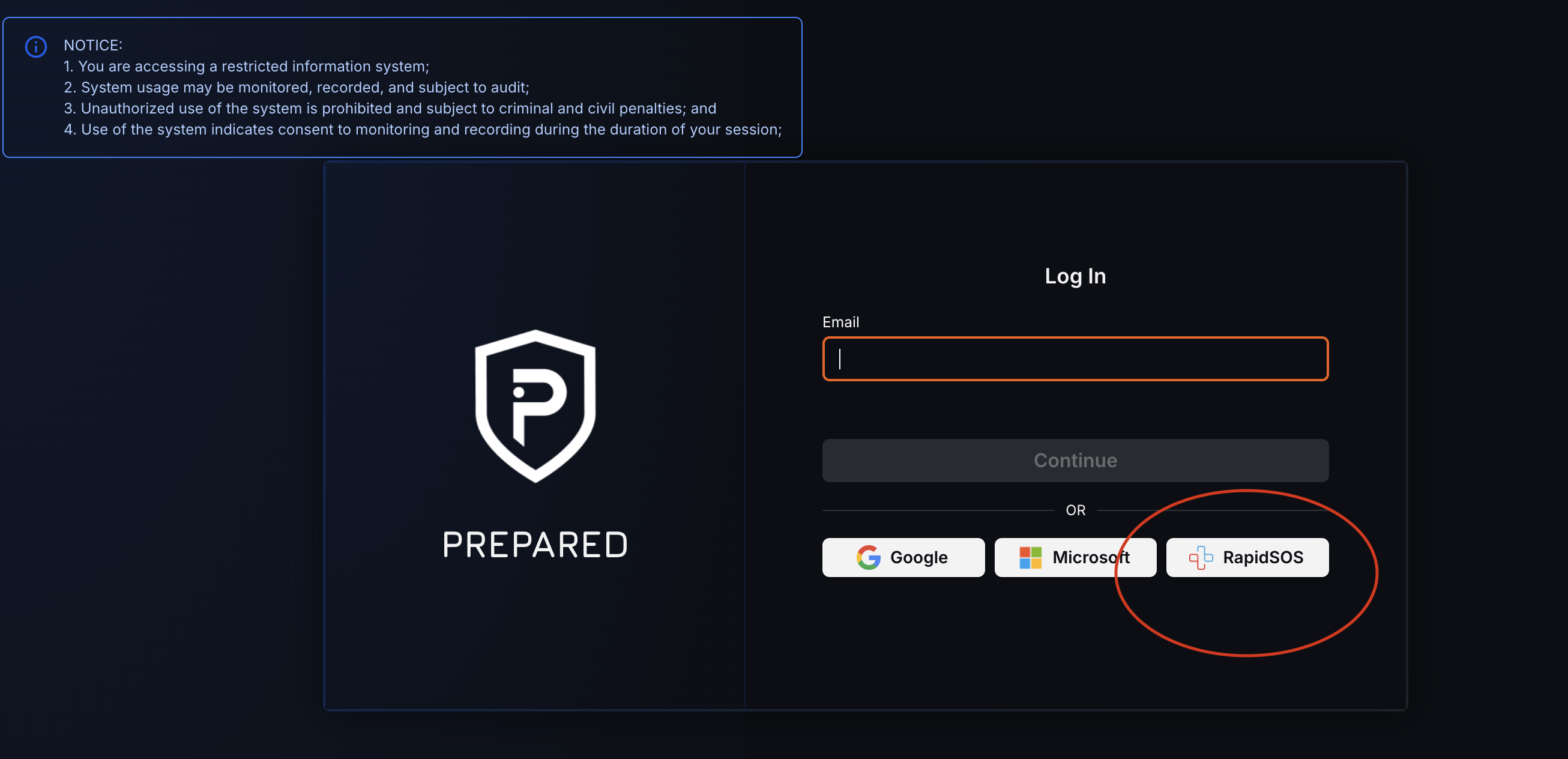
2. You will then be prompted to enter the credentials for whichever SSO method has been set up for you by your center. Should you not know your credentials at this step, please alert your Supervisor/Director.
📣 Support: If you encounter any difficulties or have questions regarding the platform, do not hesitate to reach out to our support team. We're here to help you make the most out of Prepared Assist.